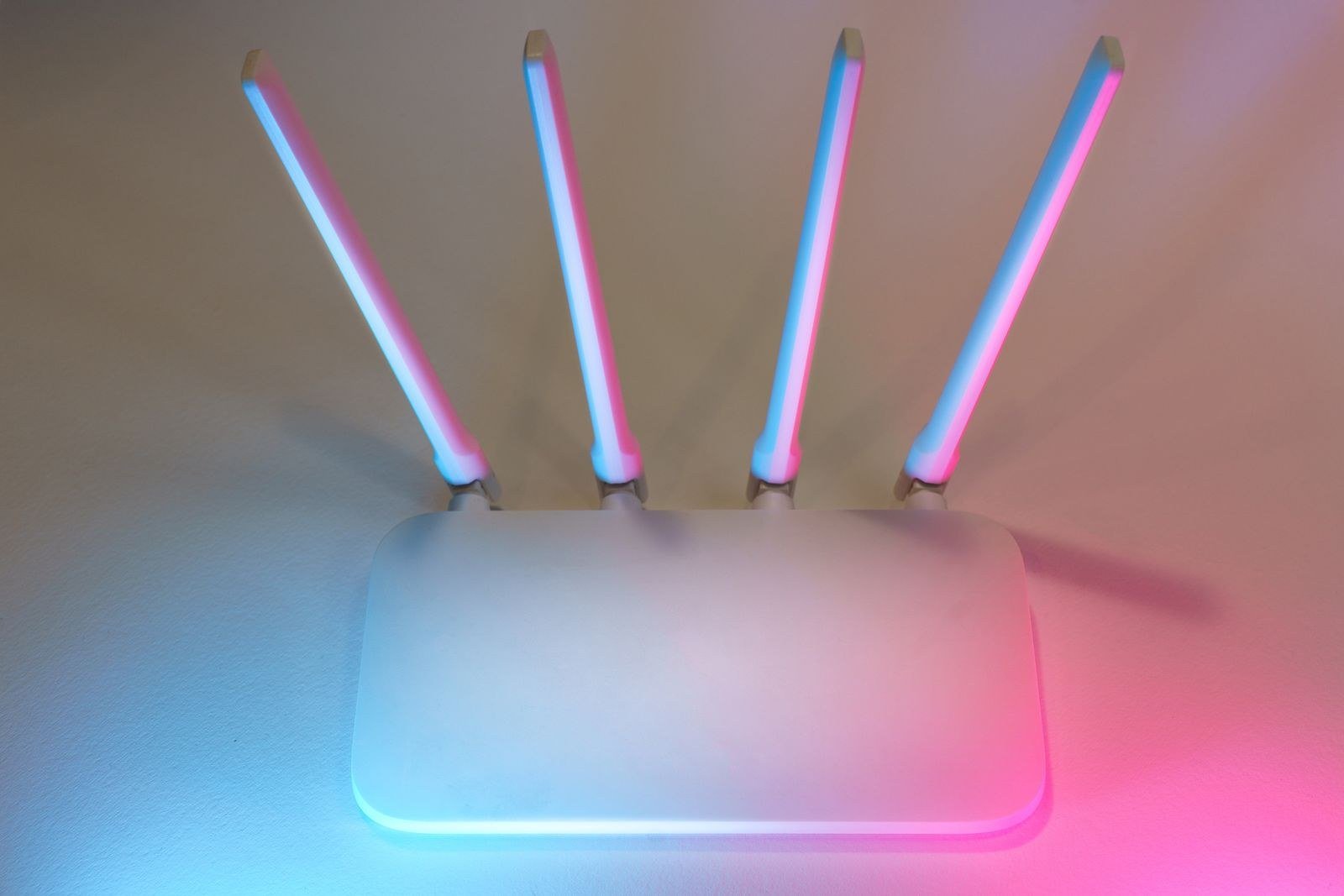
Before you spend a penny on boosters, mesh kits or a faster package, move the router. It sounds too simple, but in most British homes the router is sitting in the single worst place the house offers: wherever the line enters, usually the front hall floor or behind the television. Where it sits decides how much of your broadband speed your devices ever see, and the fix costs nothing but twenty minutes. This guide gives you the placement rules that genuinely matter, the spots that quietly strangle your signal, and a way to prove the improvement with numbers rather than vibes. Measure your starting point first with the SpeedTestUK homepage — because once you start shifting furniture, you will want evidence.
Before you move anything: get a baseline
Placement guesswork wastes weekends. Do it as an experiment instead. Stand next to your router and run our Wi-Fi speed test on your phone. That figure is close to the best your Wi-Fi can do in your home. Now walk to the room that frustrates you — the back bedroom, the loft conversion, the kitchen extension — and run it again in the exact spot where you work or stream. The gap between those two numbers is the placement problem, quantified. If the second result is half the first or worse, moving the router (or eventually adding hardware) will pay. If both results are poor even beside the router, placement is not your problem: plug a laptop straight into the router with an Ethernet cable and run our broadband speed test. A slow wired result means the line or package is the limit, and no amount of furniture rearrangement will fix that. Everything below assumes your wired speed is healthy and your wireless speed is where the loss happens.
The six placement rules that actually matter
- Central beats convenient. Wi-Fi radiates from the router in every direction, like light from a bulb. A router in the front corner of the house is sending a good share of its signal into the street and the neighbour’s front room. The best place to put your router is as near the middle of the home as the cabling allows — a hallway, a landing, the middle room of the middle floor. Every wall between the router and a device costs signal, so centrality is really about minimising the worst journey, not the average one.
- Raise it off the floor. Ofcom’s long-standing advice is to put the router on a table or shelf rather than on the floor, and the physics backs it: signal spreads out and slightly downwards, floors absorb it, and furniture at floor level blocks it. Waist to head height on a shelf or sideboard is the sweet spot. Under the stairs, in a cupboard or behind the sofa are all variations of the same mistake.
- Keep it out in the open. A router in a cabinet, behind books or inside a TV unit is a router shouting through a pillow. Give it clear air on all sides, standing upright as designed — the aerials inside are arranged assuming it sits the way it was built to sit.
- Give other electronics a wide berth. Ofcom specifically warns that cordless phones, baby monitors, halogen lamps, dimmer switches, stereos and speakers, TVs and monitors can all disturb Wi-Fi when they sit too close, and that microwave ovens actively reduce Wi-Fi signals while they run. Virgin Media advises keeping its Hub at least a metre from other electronic kit. The classic offender is the router wedged behind the television it serves — move it a metre away and up, and retest.
- Respect the materials signal hates. Wi-Fi weakens passing through anything, but some materials take far more out of it than others. Water is a notorious absorber, so fish tanks and even a big vase between router and room are bad neighbours; metal reflects and scrambles it, so radiators, fridges and foil-backed insulation boards are trouble; glass and mirrors reflect it too. Ofcom makes the point that homes with brick internal walls are simply harder to cover than homes with hollow stud walls — which is why a Victorian terrace and a new-build flat need different expectations from the same router.
- Point aerials two ways, if you have them. Most provider routers have internal aerials and nothing to adjust, but if yours has external ones, do not line them all up vertically. One vertical and one at an angle covers both the phone in your hand (held vertically) and the laptop on the desk (whose aerial sits roughly horizontally in the lid) across different floors.
The worst places in a British home, ranked by damage
The floor by the front door. The default resting place for millions of routers: furthest from the back rooms, at ankle height, half the signal leaving the house entirely. Behind the TV. A big panel of metal and glass directly in the signal path, surrounded by the exact electronics Ofcom tells you to avoid. The kitchen. Microwave, fridge, kettle, metal everywhere — and often at the back of the house in an extension, behind two walls from everywhere else. The under-stairs cupboard. Enclosed, low, and usually sharing space with the electricity meter and its metal box. Inside a sideboard or TV cabinet. Closed doors cost more signal than most people expect; if you must use furniture, on top beats inside every time. If your router currently lives in one of these places, you almost certainly have free speed waiting.
Walls, floors and the shape of your house
Placement rules bend around architecture. In a long thin house — a terrace, a bungalow — the middle of the building is what counts, and a hallway shelf halfway down its length beats a living-room spot at one end. In a house on three floors, the middle floor wins, because Wi-Fi travels between floors better than most people expect but still loses heavily through each one, especially floors with underfloor heating pipes or foil-backed insulation. Extensions cause a particular British problem: the old external wall is now an internal one, and it is brick or block with possibly a steel lintel — a far tougher barrier than a stud partition, which is why the garden room or kitchen diner so often becomes the dead zone. Chimney breasts deserve a mention too: a solid column of brick and a metal flue liner right where you wanted to put the router. If your best central spot puts a chimney breast between the router and your desk, shift the router sideways by a metre or two rather than accepting the shadow behind it.
Two bands, two behaviours
Your router broadcasts on 2.4GHz and 5GHz, and they behave like different technologies in the same box. The 5GHz band is faster but fades quickly with distance and walls; 2.4GHz is slower but travels. Placement should be optimised for the rooms where you want 5GHz speeds — the desk, the TV — accepting that distant corners will fall back to 2.4GHz. One more thing worth ruling out while you experiment: your problem room may be suffering from your neighbours’ networks rather than distance. Run our Wi-Fi channel checker guidance to see whether your channel is crowded; congestion and placement feel identical from the sofa, and the fixes are completely different. Ofcom’s own stay connected advice covers the same ground from the regulator’s side — router clear of other devices, raised up, and switched on — and Which? makes the same point about positioning nodes and routers strategically when it tests coverage beyond the house itself.
When placement is not enough
Be honest about the limit: a single router has a physics budget, and a big stone-built house, a three-storey home or a long bungalow can simply exceed it. If you have followed the rules, retested, and one area still collapses, the answer is a second source of Wi-Fi — a mesh system or an extender — which our separate guide to mesh Wi-Fi versus extenders compares in detail. Before buying either, consider the unglamorous option: an Ethernet cable. A flat cable run along skirting to a desk or TV costs a few pounds, never drops, and removes your heaviest device from the Wi-Fi queue entirely, improving things for everything else. Placement first, testing second, spending last — in that order, most homes stop well before the spending.
Frequently asked questions
Is it better to put the router upstairs or downstairs?
For a two-storey house, roughly central on the ground floor — raised on furniture — usually serves both floors well, because signal reaches up through one ceiling more easily than it crosses the full length of the house. If most use is upstairs (bedrooms turned offices), a landing spot on the first floor can be better. Test both with a speed test in your two most-used rooms and keep the winner; the difference is measurable, not a matter of opinion.
Should the router go near a window?
Generally no. A window is usually on an outside wall, which means half your signal leaves the building and the position is rarely central. The one exception is if you are deliberately aiming signal at a garden office or summer house — then a window facing it, with clear line of sight, is exactly right.
Does putting the router higher really make a difference?
Yes, within reason. Moving a router from the floor to a shelf at waist or head height removes the floor itself and most furniture from the signal path, and it is one of the changes Ofcom recommends. You do not need ladders — a bookshelf or the top of a sideboard is enough. Ceiling mounting is for offices, not living rooms.
My router has to stay where the line comes in. What can I do?
More than you think. The master socket fixes the start of the cable run, not the end: a longer Ethernet cable or a flat cable run along skirting and under carpet edges can move the router several metres to a shelf or hallway table. Even two or three metres — out of the corner, up off the floor — often transforms the dead room. Just avoid cheap telephone extension leads, which genuinely can harm the broadband itself; move the router with Ethernet, not the socket with extension wire.
How far from the router should Wi-Fi still work?
In open air, far further than any house needs. Indoors, expect strong 5GHz performance within about one or two rooms, and usable 2.4GHz through most of an average house. Beyond roughly 10–15 metres with walls in between, speeds fall away steeply — which is why centrality matters more than any single specification on the router’s box.
The bottom line
The best place to put your router is boring: central, raised, in the open, away from other electronics and heavy materials. Unglamorous, free, and — tested properly with our Wi-Fi speed test before and after — worth more than most upgrades people pay for. Do the move this evening, retest your worst room, and only if the gap refuses to close should you start reading about mesh.