Ordering full fibre is the easy part. The bit people actually worry about is the appointment: a stranger, a drill, a cable that has to cross the front garden, and a small white box that will live on your wall for the next decade. A full fibre installation is less mysterious than it sounds — for most houses it is a one-visit job of between one and four hours — but a few decisions made on the day, especially where the internal box goes, are effectively permanent. This guide walks through the visit as it actually happens, so you can prepare the handful of things that make it go well. If you have not ordered yet, confirm full fibre is live at your address first with our broadband availability checker; and if you want a baseline to compare against afterwards, run a test on the SpeedTestUK homepage before the engineer arrives.
First, which kind of install are you getting?
Houses split into three groups. If your property already has an Openreach ONT (the small white internal box) — common in new-builds and homes where a previous occupant had full fibre — there may be no visit at all: the service is activated remotely, typically within a couple of working days of ordering, and your new router simply plugs into the existing box. Second, the standard one-stage install: a single engineer visit that runs the fibre to your home and finishes the job the same day. Third, a two-stage install, used where the route is tricky — a long or blocked underground duct, a shared driveway, a pole that needs work first. In that case an earlier visit (sometimes without needing you home) does the external cabling, and a second appointment completes the inside work. Your provider confirms dates and will tell you which pattern applies; Openreach’s own full fibre installation checklist covers the standard preparation they ask of every household.
Before the day: the 20-minute preparation that matters
- Choose where the ONT should go — this is the big one. The fibre enters your home and terminates in the ONT, and your router sits next to it, connected by an ethernet cable. The ONT therefore decides where your router lives for years. Pick a spot that is central-ish for Wi-Fi, near a double power socket (ONT and router both need power), and not in a cupboard, behind the TV in the far corner, or at the cold end of an extension. The engineer will work with a sensible request; they will push back on one that means an impractical cable run. Decide before they arrive, because “wherever’s easiest” is how routers end up in hallways.
- Clear the route. Move pots, bins and cars from the wall where the cable will arrive, and clear space around your chosen internal spot.
- Arrange access and permission. Someone over 18 must be at home. If you rent, or the cable must cross a neighbour’s land or a shared drive, permissions (wayleaves) should be sorted in advance — discovering a missing landlord consent on the day usually means a rebooked appointment.
- Keep your old service running. Do not cancel your existing broadband before the new one is live; with most switches the old service stops when the new one starts, and keeping the overlap avoids a gap if the install slips.
Installation day, stage by stage
The call and the walk-through. The engineer normally phones ahead during your appointment window. On arrival they survey the property with you: where the fibre will come from (overhead from a pole, or underground through a duct), where it will meet the house, and where you want the internal box. If drilling or digging is needed, you will be asked to sign a permission-to-work form before anything starts. This ten-minute conversation is your real moment of influence — use it, including asking about anything you are unsure of.
The outside work. The engineer runs a thin fibre cable from the nearest network point to your wall and fits a small grey box on the outside of the property: the CSP, or customer splice point, where the external fibre is joined to the one entering your home. If your feed is overhead, expect a ladder; Openreach engineers may drill small ladder-safety holes and repair them afterwards. A small hole — around 10mm — is drilled through the wall at the agreed point to bring the internal fibre through, and it is sealed around the cable.
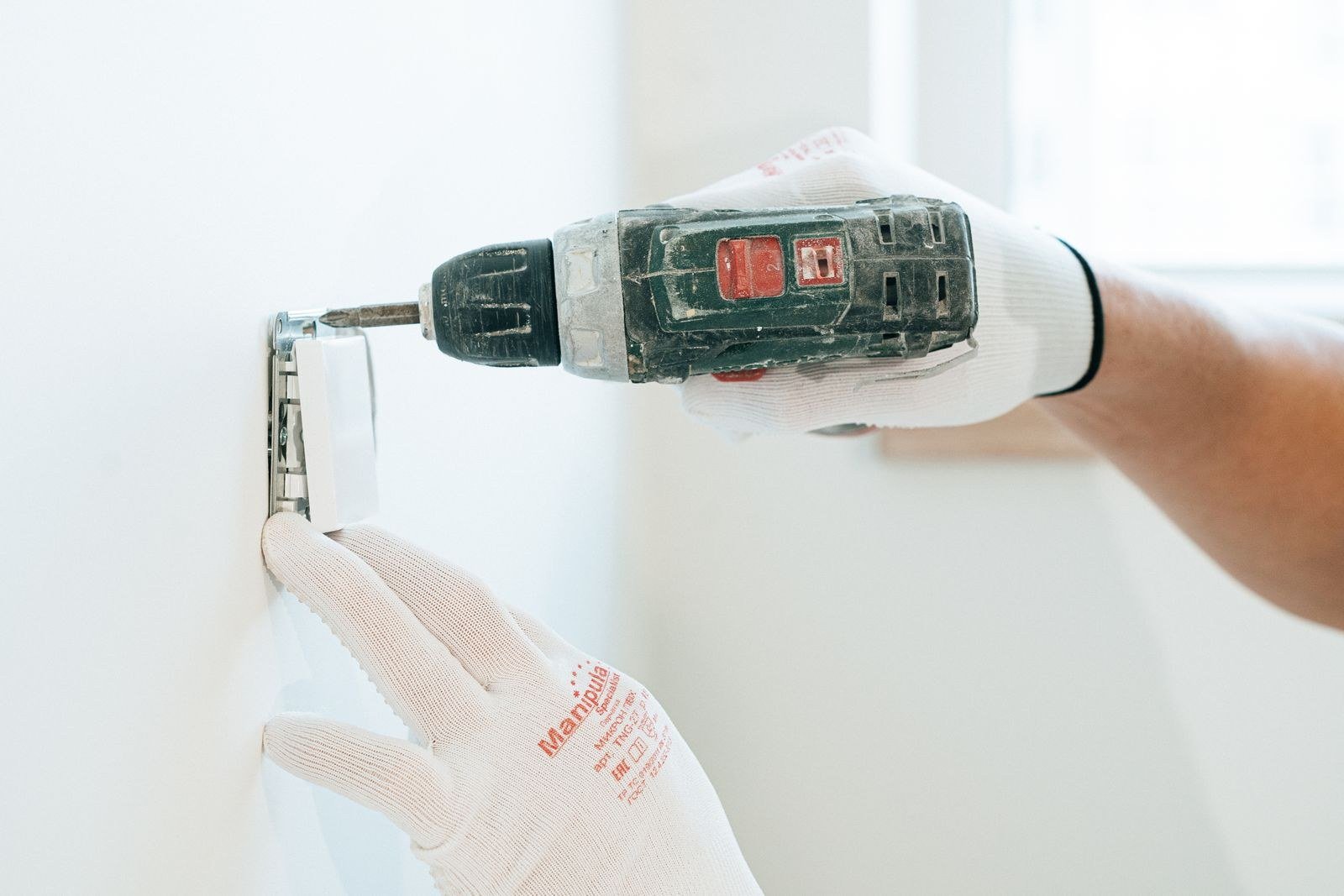
The inside work. On the inside wall, near your double socket, the engineer mounts the ONT, connects the fibre, and watches for the lights that confirm the optical signal is within tolerance. Your provider’s router then connects to the ONT with an ethernet cable. If you are keeping your own third-party router, have it and its login details handy; the engineer will usually connect the supplied router to prove the service, and swapping yours in afterwards is a two-minute job.
Testing and sign-off. Before leaving, the engineer tests that the service is live and working and demonstrates it on a connected device. Do two things at this point: watch the test happen, and run your own check while they are still there. A wired test with our broadband speed test should land close to your package’s expected range — full fibre does not need the settling-in period old copper lines had, so a result far below your tier on a wired connection is a problem to raise now, not next week.
After they leave: the first evening
Connect your devices to the new router (or set its name and password to match your old one, which saves re-joining every phone, TV and smart plug in the house). Then check Wi-Fi where you actually use it: run our Wi-Fi speed test in the rooms that matter. A wired result of 900Mb and a far-room Wi-Fi result of 90Mb is not a faulty line — it is a router-position or mesh question, and it is far easier to judge on day one, while the comparison with your old setup is fresh. Keep the engineer’s paperwork and the provider’s confirmation email; if the service faults early, an install-day record of a clean test helps everyone.
When installs go sideways (and why it is rarely a disaster)
The common complications are mundane: a blocked or collapsed underground duct that needs clearing before the cable can pass, a pole found to be unsafe to climb, or underground congestion that turns your job into a two-stage install. The engineer explains what happens next and the provider rebooks the completion visit; annoying, but routine. If an engineer simply does not turn up to a confirmed appointment, that is a different matter — missed appointments are one of the triggers for automatic compensation (£32.31 under the current scheme, credited without you claiming), as our automatic compensation article explains. And if the finished install genuinely underperforms on a wired test and stays that way after you report it, your minimum guaranteed speed rights are the lever — test, log, and report rather than quietly accepting half the service you bought.
Altnet and Virgin Media installs follow the same broad shape — external connection point, internal termination box, router, test — with their own hardware names. Openreach’s page on how full fibre is installed has their official step-by-step if you want the primary source, and providers like BT broadly follow the same sequence for their customers.
Frequently asked questions
How long does a full fibre installation take?
Openreach says most installations take between one and four hours, depending on the property and how the fibre is routed. Simple overhead feeds to houses with a clear wall are at the fast end; underground feeds, long runs and two-stage jobs take longer or split across visits. You need to be home for the internal work, but not necessarily for a preliminary external stage.
Will the engineer drill through my wall?
Usually, yes — one small hole (about 10mm) to bring the fibre from the external splice point to the internal ONT, sealed once the cable is through. Where an existing duct or entry point can be reused, drilling may be avoided. The location is agreed with you first, and digging or drilling requires your signed permission on the day.
Can I choose where the ONT and router go?
Within reason, yes — and you should. The ONT needs to be on (or near) the wall where the fibre enters, close to a double power socket, and the router sits beside it. Engineers will accommodate a sensible preference a few metres either way; they cannot run fibre to the middle of the house. Central, raised and unhidden is the rule for the Wi-Fi that follows.
What happens to my phone line and my old broadband?
Full fibre is a new connection, not an upgrade of the copper line, so the old service is unaffected until your switch completes. If you ordered a phone service with it, it will be a digital voice service through the router rather than the old socket. Your provider coordinates the changeover date; keep the old service live until the new one is confirmed working.
Do I need to be there, and what if I need to rearrange?
An adult over 18 must be present for the internal work. If the date stops working, contact your provider (not Openreach directly — your contract is with the provider) as early as you can to rebook; leaving it until the engineer is at the door wastes the slot and can push your new date back by weeks at busy times.
A small amount of prep buys the setup you actually want
The difference between a good full fibre installation and a mediocre one is rarely the engineer — it is whether the ONT landed in a sensible place with power nearby and a router position you chose, rather than one chosen for you by cable length. Spend the 20 minutes, be there for the walk-through, and test before they leave. Then, once everything is connected, run our broadband speed test again in the evening peak to see the service as you will actually live with it.