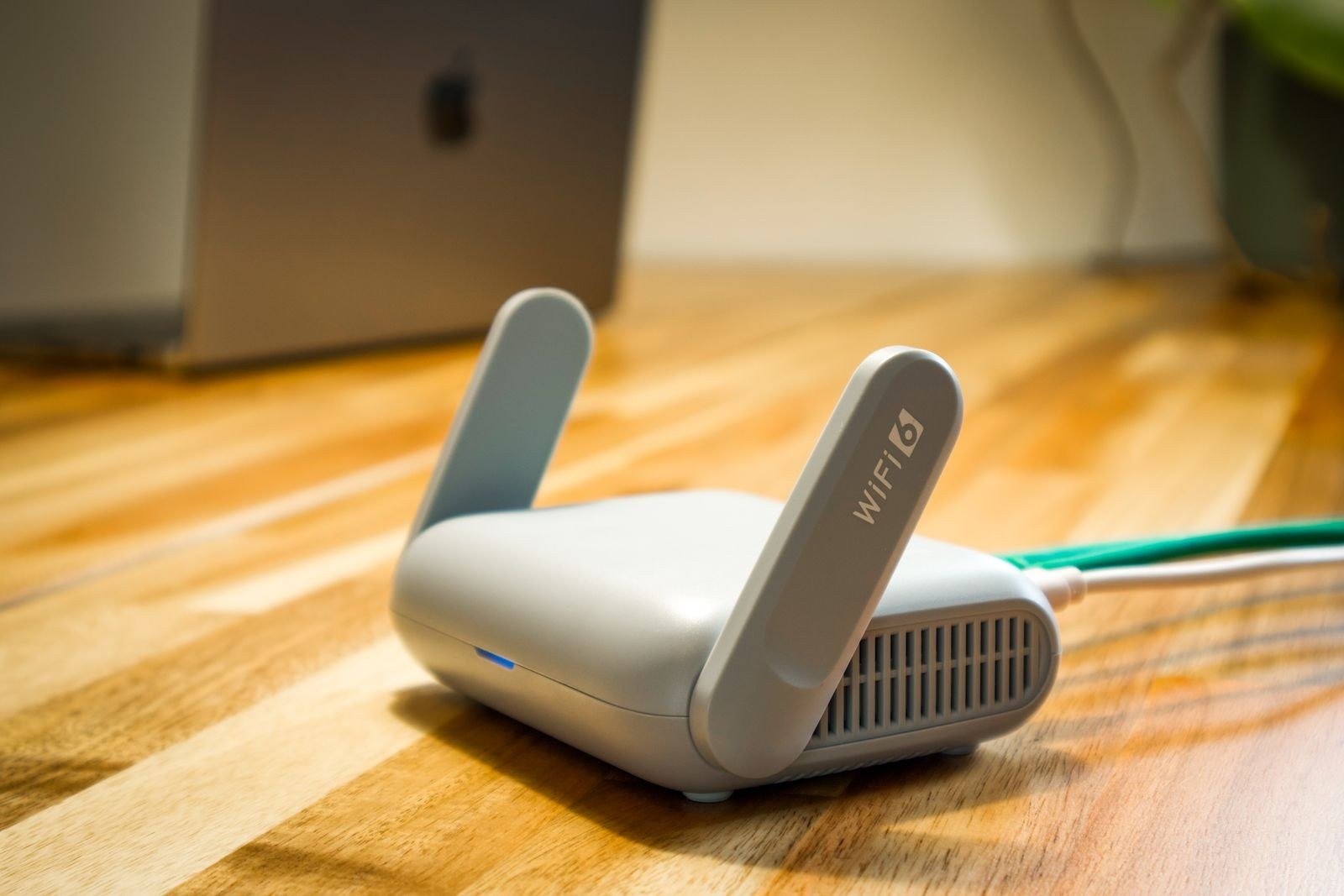
Switching broadband used to mean an awkward phone call with the provider you were leaving, a cancellation date you had to negotiate, and a nagging worry that the old service would stop before the new one started. That is no longer how it works. Since September 2024, almost every home broadband switch in the UK runs through One Touch Switch, a system built around one simple idea: you only ever deal with the provider you are joining. They contact the company you are leaving, they agree the date, and the old service should stop on its own once the new one is live.
Before you start, it is worth knowing what you are switching from. Run a quick test on the SpeedTestUK homepage and note the download and upload speeds you actually get at peak time, not the number on your original order email. That figure becomes your benchmark. If a new deal promises less than you already receive, it is not an upgrade, whatever the marketing says.
Four checks to run before you switch broadband provider
1. Are you still in contract? If your minimum term has ended, you can switch freely and this whole process costs you nothing in penalties. If you are still in contract, your current provider can charge an early termination fee, and those fees can be steep enough to wipe out the saving from a cheaper deal. Check your provider’s app or your latest bill for the contract end date. Under One Touch Switch your old provider has to tell you about any exit charges before the switch goes ahead, but it is better to know before you fall in love with a new package.
2. What can you actually get at your address? Broadband availability is property-specific. Your neighbour’s full fibre says nothing about your own line. Use a broadband availability checker to see which networks reach your home: Openreach-based providers, Virgin Media’s cable network, or a smaller full-fibre network such as CityFibre or Hyperoptic. The networks available to you decide which providers you can realistically switch to.
3. How much speed do you genuinely need? A household streaming in HD on two screens and doing video calls does not need a gigabit package. Equally, a home with three teenagers gaming and someone uploading large work files will feel the limits of a basic 36 Mbps connection. Our broadband speed test page explains the speeds different activities need, so you can buy the right tier rather than the biggest one.
4. What else is tied to your current provider? Provider email addresses are the classic casualty. If your main email ends in btinternet.com, talktalk.net or a similar provider domain, you may lose it or be charged to keep it after you leave. Bundled extras matter too: a TV package, a mobile SIM discount, or a landline with inclusive calls. List everything before you switch, because One Touch Switch moves broadband (and usually the landline with it), not every add-on you have accumulated.
How One Touch Switch works, step by step
One Touch Switch launched on 12 September 2024 and is run behind the scenes by TOTSCo, The One Touch Switching Company, which operates the industry hub that providers use to talk to each other. More than three million switches went through it in its first two years. From your side of the fence, it looks like this:
- You order from your new provider. Online, by phone or in store. They will ask for your address, your current provider and which services you want to switch. You do not contact your old provider at all.
- Your new provider sends a match request. It travels through the TOTSCo hub to your old provider, which matches it against your account, primarily on your address and surname. Having your account number to hand helps, but it is optional.
- Your old provider sends you the switching information. This arrives by email, text or post and sets out anything you need to know before you commit: early termination charges, equipment you must return, and services you will lose, such as provider email.
- You say yes or no. Nothing at all happens without your consent. If the exit fees are higher than expected, you can walk away and stay exactly where you are.
- The switch is booked and completed. Your new provider confirms the date. On the day, the new service goes live, the old service and its billing stop, and you plug in the new router.
If you are moving between providers on the same network, the switch is largely a paperwork exercise. Moving to a different network, for example from an Openreach-based provider to Virgin Media or a full-fibre alt-net, usually means an engineer visit and a new cable into your home. Your new provider should tell you this upfront. For a side-by-side look at who offers what, our guide to UK broadband providers sets out the main networks and the brands that sell on them.
How long does a switch take, and will I be cut off?
Ofcom designed One Touch Switch so that a switch can complete in as little as one day where that is technically possible. In practice, most switches land somewhere in the one-to-two-week range, particularly where an engineer appointment or a new line installation is involved. You can usually choose or agree the date, so pick a day when someone is home and you are not depending on the connection for an exam, a big presentation or a house completion.
The important protection is this: any loss of service during a switch should not last longer than one working day. Your old provider must not charge you for any notice period after the switchover date, which kills off the old problem of paying two providers for the same month. If the old router needs to go back, return it and keep the proof of postage; unreturned equipment charges are one of the few surprise bills that still crop up after a switch.
Keeping your landline number and your email
If you still use a landline, tell your new provider you want to keep the number, and it will normally be transferred as part of the switch. This matters more than it used to: landlines are moving to digital services, so your phone will plug into your new router rather than the wall socket, but the number itself stays the same.
Email is trickier. A provider-supplied address is a service from that provider, not a right. Some let you keep it for a monthly fee after you leave, others close it after a period of notice. The sensible approach is to start moving important accounts, bank logins, HMRC, your GP, to an independent address such as Gmail or Outlook before you switch, so the deadline never has a gun to your head.
Your rights if the switch goes wrong
One Touch Switch comes with a decent safety net. You have 14 calendar days to cancel your order if you change your mind. If you are left without service for more than one working day, or a provider misses a confirmed installation appointment, automatic compensation applies for providers in Ofcom’s scheme: currently £6.46 for each day a service starts late, and £32.31 for a missed appointment. The money should be credited without you having to claim it, although it is always worth checking your first couple of bills.
Ofcom’s own guide to switching broadband provider covers the official version of the process, and TOTSCo publishes a detailed matching best practice guide explaining how providers identify your account during a switch. If a switch does go wrong, complain to the provider responsible first; if it is not resolved, you can escalate to the ombudsman scheme they belong to.
If you want an overlap: managing your own switch
There is one situation where One Touch Switch is not the right tool. Because the old service ceases when the new one starts, you cannot run both side by side. If a gap is genuinely unacceptable, perhaps you work from home and a big deadline falls on switch day, you can manage the switch yourself instead: order the new service as a fresh installation on a new line or network, and separately give your old provider notice to cancel once the new connection has proven itself. You will pay for both services during the overlap, and One Touch Switch’s protections do not apply, but for a week or two of double-billing you buy complete certainty. Tell the new provider at the point of order that you are doing this, so they do not start a One Touch Switch by default.
The same manual approach is sometimes necessary in rented flats and new-build homes where the address on the provider’s database does not quite match the address on your bill, which is the most common cause of a failed match. If a switch stalls at the matching stage, it is almost always an address or surname mismatch; using the exact address format and account holder surname from your latest bill fixes most of them.
Frequently asked questions
Do I need to tell my current provider I am leaving?
No. That is the whole point of One Touch Switch. Your new provider notifies your old one, and the old service should cease automatically once the new service is working. The only contact you will get from your old provider is the switching information setting out any charges.
Can I switch broadband if I am still in contract?
Yes, but you may have to pay an early termination charge. Your old provider must tell you the amount before the switch completes, and you can pull out if it is too high. Some new providers offer a bill credit towards exit fees, so ask before you order.
Will I lose my internet connection during the switch?
You should not be without service for more than one working day, and many same-network switches happen with barely a blip. Cross-network switches involving an engineer visit are usually arranged so the new service is installed before or as the old one ends.
Does switching broadband affect my credit score?
A new provider will usually run a credit check when you sign up, which can leave a mark on your file. The switch itself does not harm your score, but an unpaid final bill from your old provider can, so check the last bill carefully rather than assuming the direct debit sorted everything.
What if the new service is worse than my old one?
You have a 14-day cooling-off period from ordering, during which you can cancel. Be aware that your old service will not automatically restart if you cancel after it has ceased, so act quickly if you have doubts, and test the new connection thoroughly in the first few days.
Ready to make the move?
The process itself is now the easy part. The households who get caught out are the ones who skip the homework: an exit fee they did not expect, a provider email address they still needed, a deal that was slower than the one they left. Run the four checks at the top of this page, then start with our broadband availability checker to see which providers can actually serve your home. Ten minutes of preparation turns switching from a gamble into a routine errand.