Almost every broadband advert in Britain says “fibre” on it, yet two neighbours can both buy “fibre broadband” and end up with connections that differ in speed by a factor of ten. The reason is that the word covers two quite different technologies. Part fibre, known as FTTC, runs fibre optic cable only as far as the green cabinet on your street and completes the journey on the old copper phone line. Full fibre, or FTTP, runs the glass strand all the way into your home. That last stretch, copper versus glass, is the single biggest factor in how fast, stable and future-proof your connection is.
If you do not know which one you have, you are not alone, and it matters: it explains most “my broadband is slower than my friend’s” mysteries. Run a test on the SpeedTestUK homepage and compare the result with the table below. A result stuck under 80 Mbps on a package sold as fibre almost always means part fibre is involved somewhere between you and the exchange.
Part fibre (FTTC): fibre to the cabinet, copper to your door
FTTC stands for Fibre to the Cabinet. Openreach built it by laying fibre from telephone exchanges to around 90,000 street cabinets, then reusing the existing copper pairs from the cabinet to each home. The technology running over that copper is called VDSL, and it has one defining weakness: the signal fades fast with distance. A house 100 metres from the cabinet might get close to the maximum; a house 800 metres away, on the same package, at the same price, might get a third of it.
The ceiling is hard, too. FTTC tops out at roughly 80 Mbps download and 20 Mbps upload, with typical real-world packages sold at averages of around 36 Mbps and 67 Mbps. Copper also picks up electrical interference and degrades as lines age, which is why part-fibre speeds can wobble at busy times and after heavy rain. None of this makes FTTC bad. For a smaller household it is still perfectly serviceable broadband. But it is a technology at the end of its road: there is no upgrade coming that will make copper go faster.
Full fibre (FTTP): glass all the way in
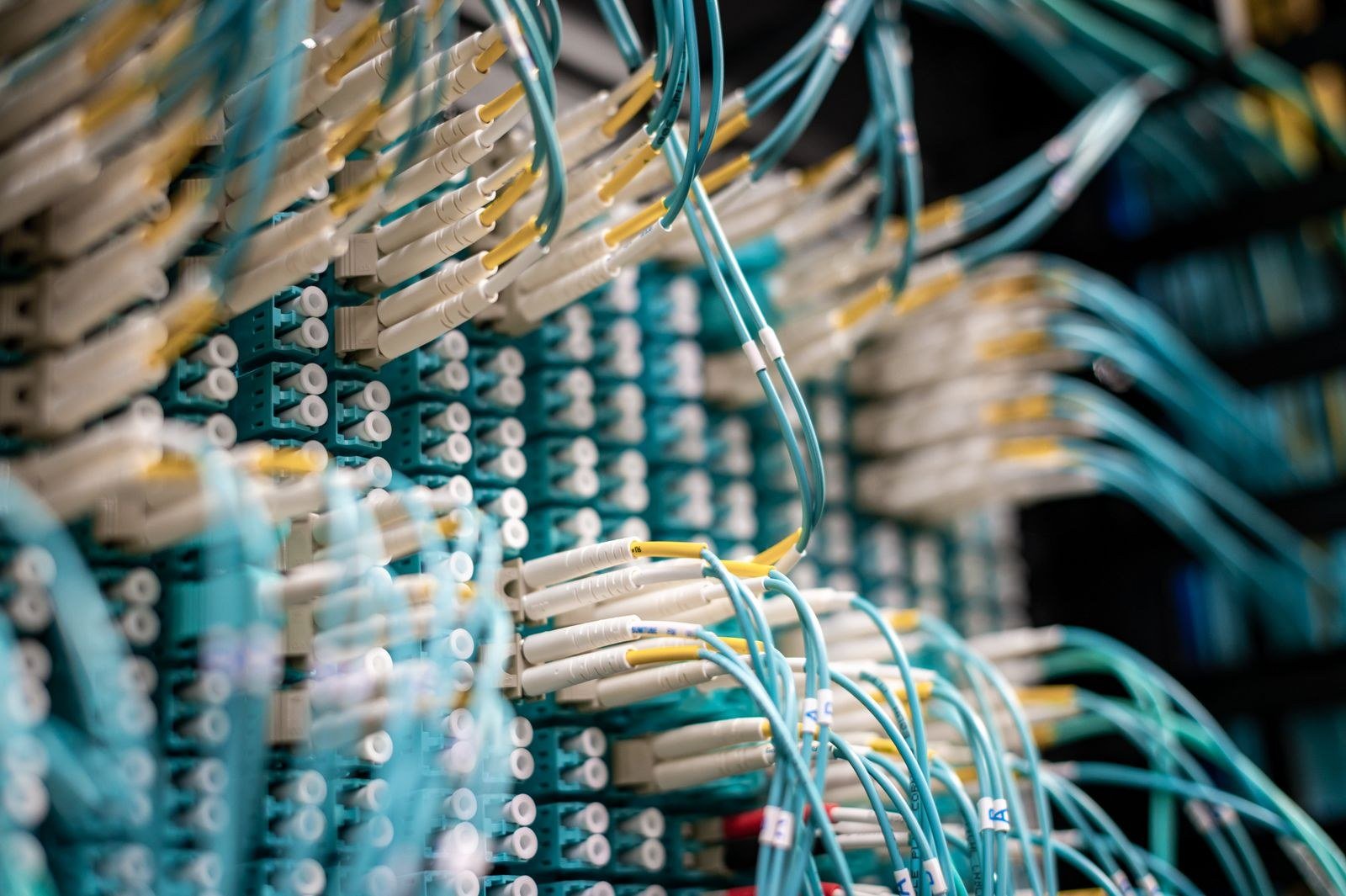
FTTP stands for Fibre to the Premises (you will also see FTTH, Fibre to the Home, meaning the same thing). The fibre runs from the exchange, up your street and into a small box on your wall called an ONT, which converts the light signal for your router. There is no copper in the path at all, and light signals do not fade over the distances involved, so the house at the end of the street gets the same speed as the house next to the exchange.
Packages start around 100 Mbps and currently run to 900 Mbps and beyond, with top tiers on some networks reaching 1.6 Gbps or more. What you order is very close to what you get, at almost any time of day. Upload speeds are far stronger than FTTC, and on several of the newer networks they match download speeds exactly, which makes a real difference to video calls, cloud backups and anyone uploading large files for work. Latency, the small delay gamers and callers notice, is typically lower as well.
Side by side: full fibre vs part fibre
| Part fibre (FTTC) | Full fibre (FTTP) | |
|---|---|---|
| Fibre reaches | The street cabinet | Inside your home |
| Final stretch | Copper phone line (VDSL) | Fibre optic cable |
| Maximum download | Around 80 Mbps | 900 Mbps to 1.6 Gbps+ on top tiers |
| Typical packages | 36 Mbps and 67 Mbps averages | 100, 150, 300, 500, 900 Mbps |
| Upload speeds | Up to around 20 Mbps | Much higher; symmetrical on some networks |
| Effect of distance | Severe: speed falls the further you are from the cabinet | Negligible |
| Consistency | Can dip at peak times and in bad weather | Steady throughout the day |
| Installation | Usually self-install, router by post | Engineer visit to bring the fibre into the home |
Two nearby technologies deserve a mention so they do not confuse you. Virgin Media’s network is neither FTTC nor FTTP in most areas: it is fibre to a local cabinet, then a coaxial cable, built for television originally, which delivers fast downloads but more modest uploads. And the oldest option, ADSL, is copper the whole way from the exchange, with real-world speeds often around 10 Mbps. It is being retired as part of the wider move to digital lines.
How to find out which one you have
There are three quick tells. First, look at your speed: sustained downloads above 80 Mbps rule out FTTC entirely. Second, look at your wall: an FTTP installation leaves an ONT, a small powered box roughly the size of a paperback, with a fibre cable entering it and an ethernet cable running to your router. No ONT usually means no full fibre. Third, check properly rather than guessing: our broadband availability checker shows which technologies can actually be ordered at your address, and our guide on what broadband you can get explains how to read the results street by street.
Ofcom’s advice on choosing the right broadband makes the same point from the regulator’s side: always ask whether a “fibre” service is full fibre or part fibre before comparing prices, because the word alone tells you very little. For a second, independent view of what is available locally, thinkbroadband’s postcode coverage checker maps measured speeds and technologies at postcode level, which is a handy sanity check on any provider’s claims.
Is upgrading to full fibre worth it?
If full fibre is available at your address, the honest answer for most households is yes, and the price gap is usually smaller than people expect. Sometimes full fibre is the same price as FTTC or even cheaper, because it is the product providers most want to sell. You will notice the difference if anyone in the house works from home, uploads large files, games online, or if several people stream at once in the evening. The households who can safely stay put are light users on a short street close to their cabinet, getting a reliable 60–70 Mbps from FTTC at a good price. Even then, FTTC is a wasting asset: when you next change contract, full fibre should be the default choice if it is there.
One practical point if you do upgrade: it needs an engineer visit and a hole drilled for the fibre, usually through the wall near where your phone line enters now. Landlords and tenants should agree the installation in advance. The ONT needs a power socket nearby, and once it is in, keep it switched on; turning it off turns off your broadband and, these days, usually your landline too.
Why part fibre quotes you a range, and full fibre does not
Anyone who has ordered FTTC will remember the speed estimate: “between 45 and 61 Mbps, with a minimum guaranteed speed of 38 Mbps.” That vagueness is not the provider being evasive. It is the honest consequence of distance and copper condition, which they cannot know precisely until your line is live. The estimate is built from the length of your line to the cabinet and the performance of neighbouring lines, and Ofcom’s rules require providers to give you that minimum guarantee and a right to leave without penalty if your actual speed stays below it after they have had a chance to fix the problem.
Full fibre orders look different: a headline speed, and an expectation you will get close to it at any hour. Because light in glass does not degrade over a few hundred metres, the provider can be confident before the engineer even arrives. That predictability is an underrated part of the upgrade. On FTTC, two people paying for the same 67 Mbps package can live entirely different broadband lives. On FTTP, the package on the tin is, give or take normal Wi-Fi losses inside the home, the package on the screen.
There is one halfway house to be aware of, called G.fast. It is a faster cousin of FTTC fitted to some cabinets and street pods, offering headline speeds of 100 Mbps or more, but only to homes within a short distance of the equipment. If you are quoted an FTTC-style product with a surprisingly high speed, G.fast may be why, and the same distance rules apply even more sharply. It is a niche technology now, overtaken by the full fibre build, but it still serves plenty of streets.
Frequently asked questions
Is part fibre the same as “superfast” broadband?
Mostly, yes. “Superfast” is a speed description (Ofcom uses it for connections of at least 30 Mbps) rather than a technology, and most superfast connections in the UK are FTTC. Full fibre packages are usually described as “ultrafast” once they pass 300 Mbps.
Why does my neighbour get faster broadband than me on the same package?
On FTTC, almost certainly distance. The further the copper run from the cabinet to your home, the slower the maximum speed the line can hold. It is the most common unfairness in UK broadband, and full fibre removes it completely.
Can I get full fibre if my provider only offers part fibre?
Availability depends on the network, not the brand. Several different networks may cover your street, Openreach, Virgin Media, CityFibre, Hyperoptic and dozens of smaller builders, and each sells through different brands. Check your address rather than relying on one provider’s website.
Will full fibre improve my Wi-Fi?
Indirectly. Full fibre raises the speed reaching your router, but Wi-Fi quality inside the house depends on the router and your home’s layout. If your broadband speed test is fast next to the router and slow upstairs, the bottleneck is your Wi-Fi, not your line, and a mesh system will help more than a faster package.
Does full fibre need a landline?
No. FTTP is a data-only connection; no traditional phone line is required. If you want a home phone, providers supply it as a digital voice service that plugs into the router, on the same number.
The one-sentence version
Part fibre is fibre with a copper compromise at the end, and that compromise caps your speed at about 80 Mbps and makes it depend on where you live relative to a green box. Full fibre removes the compromise. If you are not sure what is on offer at your home, two minutes with the broadband availability checker will tell you, and it is the first thing to establish before your next contract, whichever provider you end up with.