If your BT broadband has suddenly stopped working, you may be asking “Is BT down in my area?” A BT connection problem can be caused by a local network fault, a wider BT service issue, your BT Hub, Wi-Fi, or a problem with the device you are using.
The first step is to find out whether the problem affects your home only or other customers in your area too. BT provides tools that can check your broadband connection and identify service problems. BT’s troubleshooting system can run tests on your connection and, where necessary, help arrange an engineer visit.
You can also use Speed Test UK to check your current internet performance.
About BT
BT is one of the UK’s major telecommunications providers. The company provides broadband, Full Fibre, home phone and other communication services to customers across the UK.
BT offers different broadband technologies, including Full Fibre and part-fibre connections. BT currently advertises broadband packages with speeds of up to 900Mbps, although the speed available to an individual home depends on factors such as the package, location and network availability.
BT also provides online troubleshooting tools for customers experiencing broadband, Wi-Fi, email, phone and other service problems.
Is BT Down in My Area?
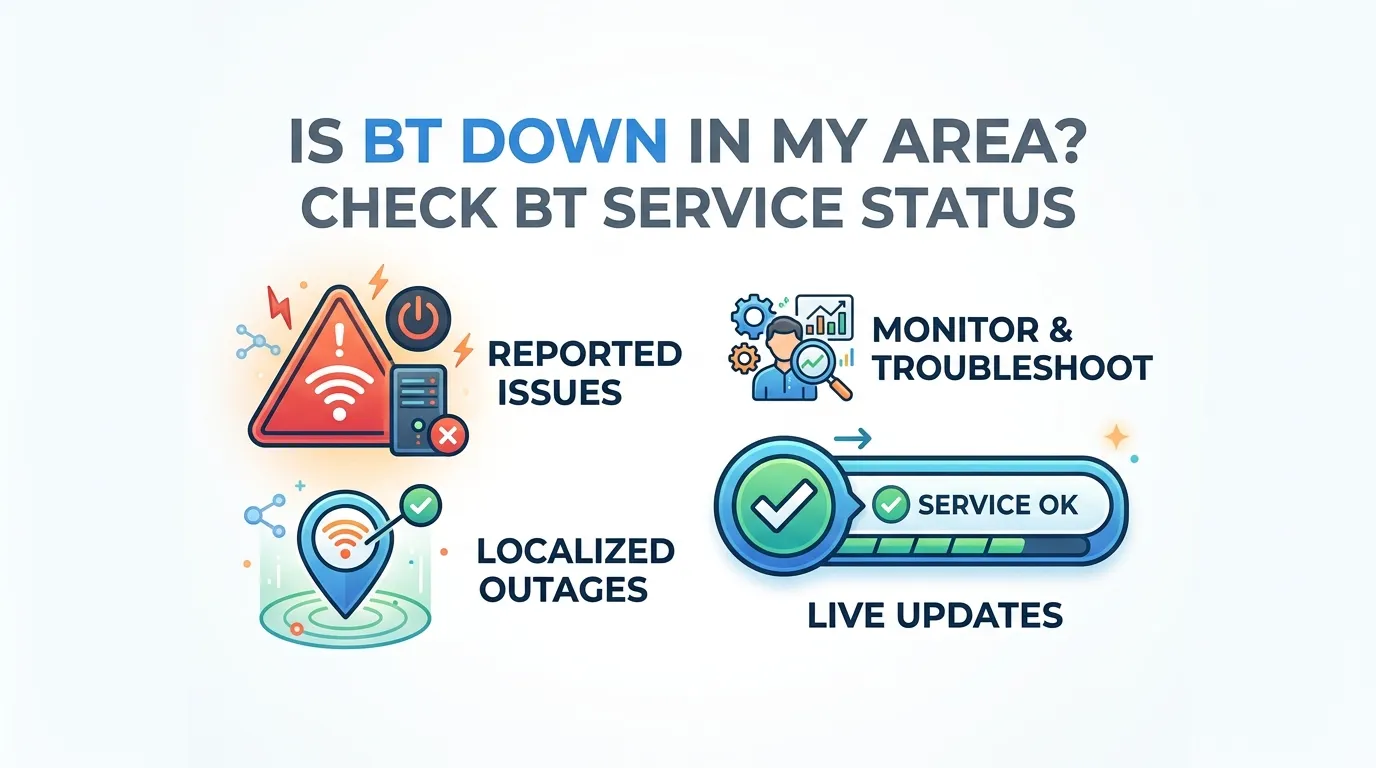
If your BT internet has stopped working, there may be a local BT service problem, but you should check before assuming there is a wider outage.
BT says customers can use the My BT app to check for network problems affecting their area. BT’s broadband troubleshooting guidance also recommends checking service status when there may be a temporary network issue.
A local BT outage can affect multiple homes, while a problem with your Hub, Wi-Fi or device may affect only your home.
Common signs of a BT area outage
You may notice:
- BT broadband has stopped completely.
- Several devices cannot connect.
- Your BT Hub is showing an unusual light.
- Your BT phone service is also affected.
- Neighbours using BT are reporting similar problems.
- BT service information shows a known issue.
- Your connection suddenly stopped without changes to your equipment.
These signs can point towards a network problem, but they do not prove that BT has an outage.
How to Check If BT Is Down in Your Area
There are several ways to investigate a BT outage.
1. Check BT Service Status
Start with BT’s official service information.
BT’s troubleshooting guidance says customers can check for network problems through the service-status option in the My BT app.
This is one of the most useful checks because it is connected to your BT account and service.
2. Use the My BT App
The My BT app allows customers to manage BT services and receive support information.
According to BT, the app can be used to:
- Manage broadband.
- Check bills.
- Track faults.
- Book engineer visits.
- Manage appointments.
- Control Wi-Fi.
- Access troubleshooting.
- Receive important updates.
If BT has identified a network problem affecting your service, checking your account can provide more useful information than simply searching social media.
3. Check Your BT Hub
Look at the lights on your BT Hub.
BT says the Hub lights can indicate whether the broadband connection is working. A steady blue light indicates that the Hub is connected to broadband on supported BT Hub setups.
If there are no lights, first check the power cable and mains connection.
If the Hub is not showing the expected status, follow BT’s troubleshooting instructions for your particular Hub.
Is BT Broadband Down or Is It Your Wi-Fi?
This is an important difference.
Your BT broadband connection can be working while your Wi-Fi has a problem.
For example, your Hub may have a working broadband connection, but your laptop could be too far away from the Hub or experiencing wireless interference.
| What you see | Possible cause |
|---|---|
| Every device is offline | Broadband, Hub or network problem |
| One device is offline | Device or Wi-Fi problem |
| Wi-Fi works near Hub but not upstairs | Wi-Fi coverage issue |
| Websites load very slowly | Slow connection or network issue |
| BT Mail does not work but websites do | Email-specific problem |
| Hub has no power light | Power or Hub problem |
| Connection repeatedly drops | Broadband, line, Hub or Wi-Fi issue |
This is why it is useful to test more than one device.
Check Other Websites
Before deciding that BT is down, open several unrelated websites.
For example, try:
- A news website
- A search engine
- A shopping website
- A video website
- Your email service
If nothing loads on any device, your broadband connection may be the problem.
If most websites work but one particular service does not, the problem may be specific to that service.
Test Your BT Internet Speed
If your BT connection is still working but feels unusually slow, run an internet speed test.
Speed Test UK gives you a simple way to check your current connection.
A speed test can help you measure:
- Download speed
- Upload speed
- Ping or latency
- General connection performance
You can then compare the result with another test later.
Why Use Speed Test UK?
If you are searching for “BT speed test”, “BT broadband speed test”, or “BT internet speed”, Speed Test UK provides a quick way to test the connection you are using.
It is especially useful when:
- BT broadband feels slow.
- Websites take a long time to load.
- Streaming keeps buffering.
- Video calls are unstable.
- Online games have high latency.
- Downloads are unusually slow.
- You want to compare morning and evening speeds.
The test measures your connection at the time you run it. It does not independently confirm whether BT has a network outage.
What Should You Do If BT Is Completely Down?
If there is no internet connection at all, start with basic checks.
Step 1: Check the Hub power
Make sure your BT Hub is switched on and connected to the mains.
Step 2: Check the Hub lights
Look at the Hub and compare the lights with BT’s guidance.
Step 3: Restart the Hub
BT recommends restarting the Hub as part of its broadband troubleshooting process. BT says many connection problems can be resolved by turning the Hub off and on again.
Step 4: Check another device
Try connecting a phone, laptop or tablet.
If every device has the same problem, the issue is less likely to be limited to one device.
Step 5: Check BT service status
Use the My BT app or BT’s service-status tools to check for a network problem.
Step 6: Run a speed test
If you have some internet access but the connection is slow, use Speed Test UK to measure your connection.
Step 7: Report the problem
If the problem continues, use BT’s troubleshooter to test the connection and report the fault.
BT says its troubleshooter can run tests to identify the cause of a problem and can help arrange an engineer appointment when an online fix is not possible.
How Long Does a BT Outage Take to Fix?
There is no single repair time for every BT outage.
The time can depend on the cause of the fault, how many customers are affected, whether an engineer is required and whether the problem involves the wider network.
BT says it aims to fix most network faults within two working days, although complex problems can take longer.
If you have already reported a fault, BT provides a way to track the progress of the problem and manage engineer appointments.
What If BT Is Down but You Need Internet?
A broadband outage can be inconvenient, especially if you work or study from home.
BT provides information about ways customers may stay connected during a fault, including options such as mobile tethering, Hybrid Connect and a Mini Hub where applicable.
You can also temporarily use mobile data if your phone network is working.
Be careful with large downloads or video streaming if your mobile plan has a limited data allowance.
Can a BT Speed Test Show an Outage?
Not by itself.
A speed test can tell you how your connection is performing when you run it. If the connection is completely offline, the test may not run at all.
A slow result can have many causes, including:
- Wi-Fi interference
- Distance from the router
- Device limitations
- Network congestion
- Broadband problems
- Heavy internet use in your home
Therefore, use a speed test together with BT’s service-status information and basic troubleshooting.
How to Get a More Accurate Speed Test
For a more useful result, follow a few simple steps.
| Tip | Why it helps |
|---|---|
| Stop large downloads | Frees bandwidth |
| Pause streaming | Reduces network usage |
| Close unnecessary apps | Reduces background traffic |
| Test more than once | Shows whether results change |
| Test at different times | Helps identify performance changes |
| Use Ethernet if possible | Reduces Wi-Fi variables |
| Test close to your Hub | Helps identify Wi-Fi limitations |
If you use Wi-Fi, remember that the speed reaching your device can be different from the speed available to the broadband connection.
What If Only My BT Internet Is Down?
If BT’s service status does not show an outage and your neighbours appear to have working internet, the problem may be specific to your connection.
Possible causes include:
- BT Hub problem
- Broadband line fault
- Internal wiring
- Wi-Fi problem
- Device problem
- Authentication issue
- Temporary connection problem
BT’s broadband troubleshooting page recommends checking the Hub, restarting it and, where appropriate, checking the test socket on compatible connections.
What If My BT Hub Has a Red or Unusual Light?
An unusual Hub light can indicate that the Hub is not operating normally.
The exact meaning depends on the BT Hub model.
BT provides guidance explaining what its Hub lights mean and what customers should do when the light is not showing the expected status.
Rather than guessing from the colour alone, check the instructions for your particular Hub.
Could the Problem Be Openreach?
BT broadband services can use infrastructure operated by Openreach.
If a fault occurs on the underlying network, customers can experience broadband problems even though their BT account itself is fine.
However, customers should not assume that Openreach is responsible simply because their BT broadband has stopped working.
BT’s own troubleshooting process can test the connection and determine whether further action is needed.
What If My BT Phone Line Is Also Down?
If you have a BT service that uses a phone line, check whether the phone service is working.
BT advises broadband customers with connection problems to check that they can make a call and that the phone line is clear where applicable.
A phone-line problem can sometimes be connected to a broadband problem.
Digital Voice customers should follow BT’s specific troubleshooting guidance for their service.
Is BT Down Today? The Two-Minute Decision
When the internet drops, the question “is BT down today?” really means “is this BT’s fault or mine?” — and two minutes of checking answers it. If neighbours on BT have also lost connection and your hub shows an outage light pattern, it points to a network fault in your area. If next door is fine and only your home is offline, the fault is far more likely to be your hub, your wiring or your Wi-Fi — and no outage will ever be fixed by waiting.
Work through it in order: check the hub light against the meanings above, run the checks on this page, and try a speed test if anything still connects. If the evidence points to a genuine area outage, note when it started — BT’s automatic compensation clock runs from when the fault is reported, which is why the reporting steps below matter. If it turns out to be just your connection, our guide to checking whether your internet is working walks through the home fixes, and the main speed test confirms the result.
How to Report a BT Broadband Fault
If your connection remains unavailable after basic troubleshooting, you can report the problem through BT’s online troubleshooter.
BT says its troubleshooter can test the broadband connection, identify possible faults and provide options such as arranging an engineer visit when required.
BT also provides fault tracking so customers can check progress after reporting a problem.
BT Outage Checklist
Use this checklist when your BT internet stops working:
| Check | Done? |
|---|---|
| Check BT Hub power | ☐ |
| Check Hub lights | ☐ |
| Restart the Hub | ☐ |
| Test another device | ☐ |
| Open several websites | ☐ |
| Check BT service status | ☐ |
| Check My BT app | ☐ |
| Run Speed Test UK | ☐ |
| Check for a reported fault | ☐ |
| Contact/report to BT if needed | ☐ |
When Should You Contact BT?
Contact BT when:
- Your broadband remains completely unavailable.
- The problem continues after restarting the Hub.
- BT’s service checker does not resolve the issue.
- Your connection repeatedly disconnects.
- You have a persistent low-speed problem.
- Your phone and broadband services are both affected.
- BT’s troubleshooting system identifies a fault.
- You need an engineer.
BT’s current troubleshooting system can run connection tests and arrange further help when an online solution is not enough.
Frequently Asked Questions
Is BT down in my area?
It may be, but you need to check BT’s current service information to confirm whether a known network problem affects your area. BT recommends checking service status through the My BT app when there may be a temporary network issue.
How can I check if BT broadband is down?
Check your BT Hub, test several devices, check the My BT app and use BT’s service-status and troubleshooting tools. If your internet is still working but slow, run a speed test.
Is BT internet down across the UK?
A problem in your home or local area does not necessarily mean that BT’s entire UK network is down. Outages can affect different areas and services differently.
How do I check BT service status?
BT customers can use the My BT app to check for network problems affecting their service. BT also provides online troubleshooting and fault-reporting tools.
Why is my BT Wi-Fi not working?
The problem may be with Wi-Fi rather than the BT broadband connection. Check another device and test close to your Hub. If possible, compare Wi-Fi with an Ethernet connection.
What should I do if my BT Hub is not working?
Check the power connection, look at the Hub lights and restart the Hub. BT recommends restarting the Hub as part of its broadband troubleshooting process.
Can I use Speed Test UK to check BT broadband?
Yes. Speed Test UK can measure the internet connection you are currently using. It can help you check download speed, upload speed and latency.
Does a slow BT speed test mean BT is down?
No. A slow result can be caused by Wi-Fi, your device, network usage or other factors. A speed test should be used alongside BT’s service-status information.
How long does BT take to fix an outage?
BT says it aims to fix most network faults within two working days, although complex faults can take longer.
Can I stay connected while BT fixes a fault?
Depending on your BT service and circumstances, BT provides options that can help customers stay connected during a broadband fault, including mobile tethering and certain backup connectivity products.
Conclusion
If you are searching “is BT down in my area?”, do not assume that every internet problem is a BT-wide outage. First check your BT Hub, test another device, open several websites and check BT’s service information.
The My BT app can show network problems and help you manage faults, while BT’s online troubleshooter can test your connection and provide further support.
If your BT internet is still working but feels slow, use Speed Test UK to check your download speed, upload speed and latency. Running the test more than once can help you understand whether your connection performance is changing.
The simple process is:
Check BT status → check your Hub → test your devices → run a speed test → troubleshoot → report the fault if necessary.
This approach can help you determine whether you are dealing with a wider BT outage, a local broadband fault, a Wi-Fi problem or an issue with your own device.
Select your broadband provider and check your internet speed with our
dedicated UK speed test.
Check your BT broadband speed. Check your EE broadband speed. Check your Sky broadband speed. Check your Virgin Media speed. Check your Vodafone broadband speed. Check your Plusnet broadband speed. Check your TalkTalk broadband speed. Check your Zen broadband speed.
Check your internet connection with our fast and easy-to-use testing tools.
UK Broadband Provider Speed Tests
BT Broadband
EE Broadband
Sky Broadband
Virgin Media
Vodafone UK
Plusnet
TalkTalk
Zen Internet
Popular Speed Test Tools